Sequence view#
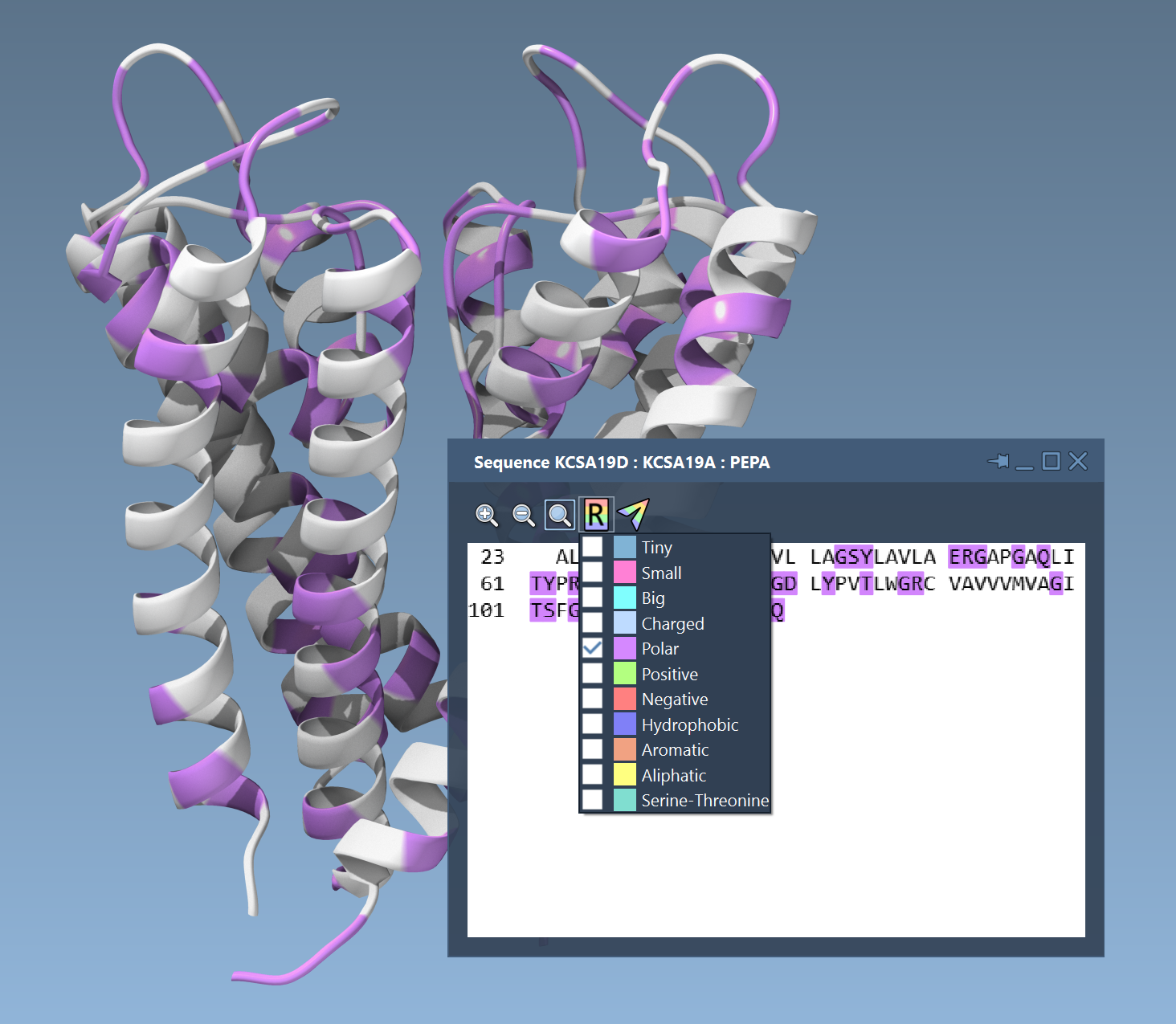
SAMSON provides an interactive Sequence View which is in sync with the document: residues selected in a Sequence View become selected in the Document View and the 3D Viewport, and vice versa.

Sequence Views let you colorize residues in the sequence based on biophysical properties, and these colors can be transferred to the residues in the 3D Viewport:
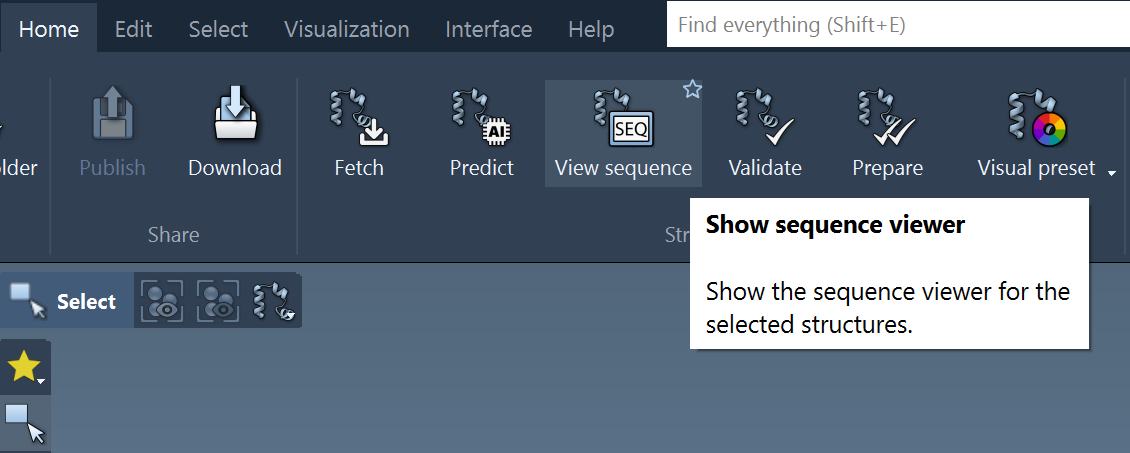
To access Sequence Views, either click the View sequence command from the Home menu:
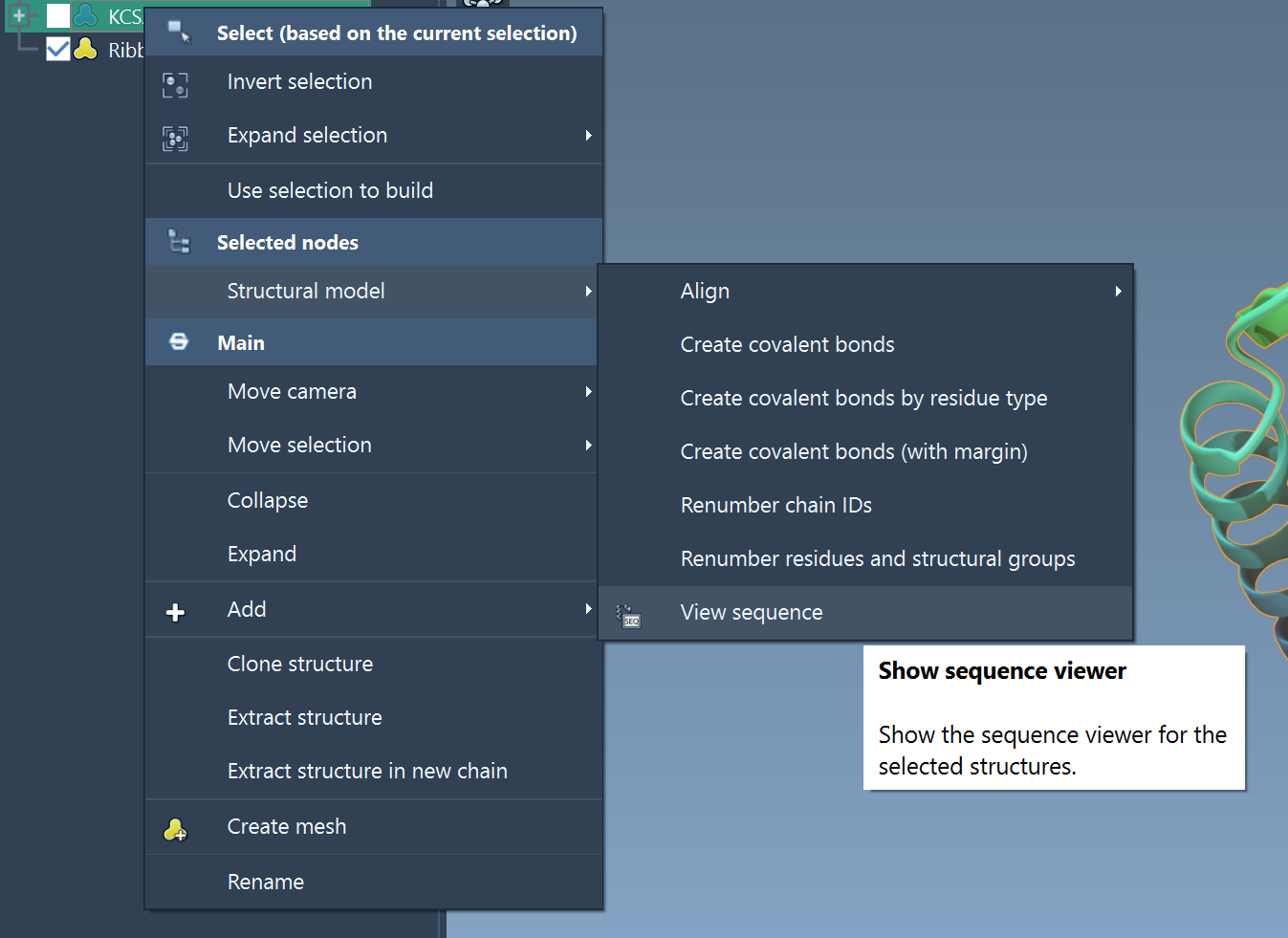
or right-click on a structure and select Structural model > View sequence from the Context menu:
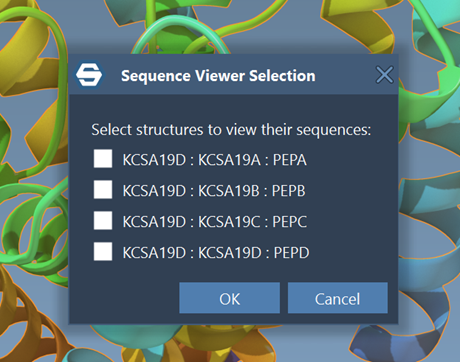
If a structure contains multiple chains, a pop-up will appear to let you choose which sequence(s) to view:
Related pages#
- Selecting: use selected residues in downstream structure workflows.
- Colorizing: apply meaningful colors to structures and visual models.
- Visualize and present: return to visualization and presentation workflows.